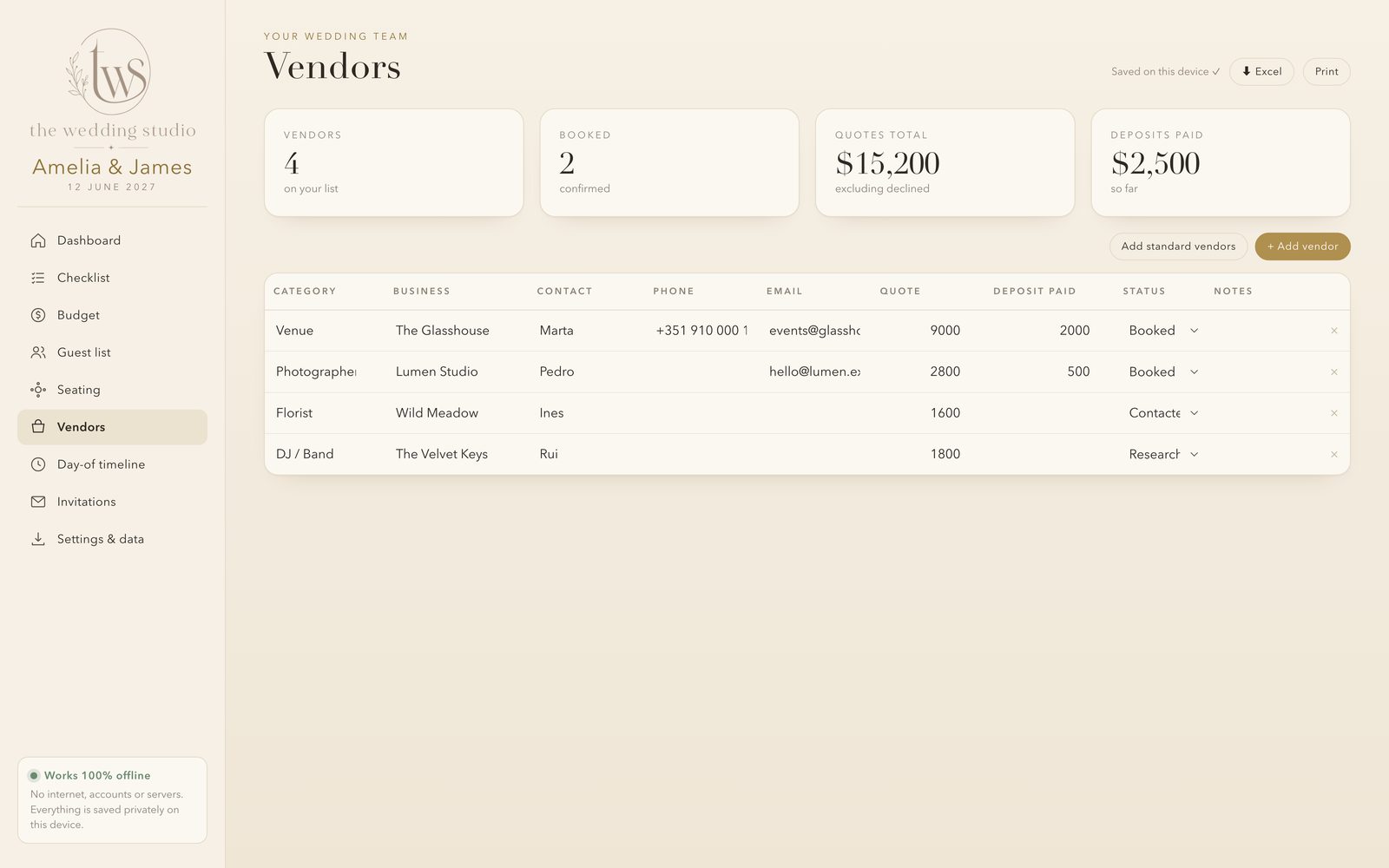
One elegant file with your checklist, budget, guest list, seating chart and a built-in invitation designer. No account, no subscription, no internet. Your guest list never leaves your device.
A budget in one spreadsheet, guests in another, ideas in screenshots, tasks in your head.
Planner apps and invitation sites charge monthly or per design, for a single event.
Names, addresses and plus-ones sitting on someone else's servers behind a login.
Functional, sure. But not something you'll enjoy opening every day for a year.
There's a calmer way. One beautiful file.
It opens in any browser, saves on your own device and looks like a premium paper planner.
On a plane, at the venue, in a village with no signal. Once downloaded it never needs the internet.
No account, no tracking, nothing uploaded. Your guest list stays on your device, where it belongs.
One payment, yours to keep. No renewals, no premium tiers, no surprises.
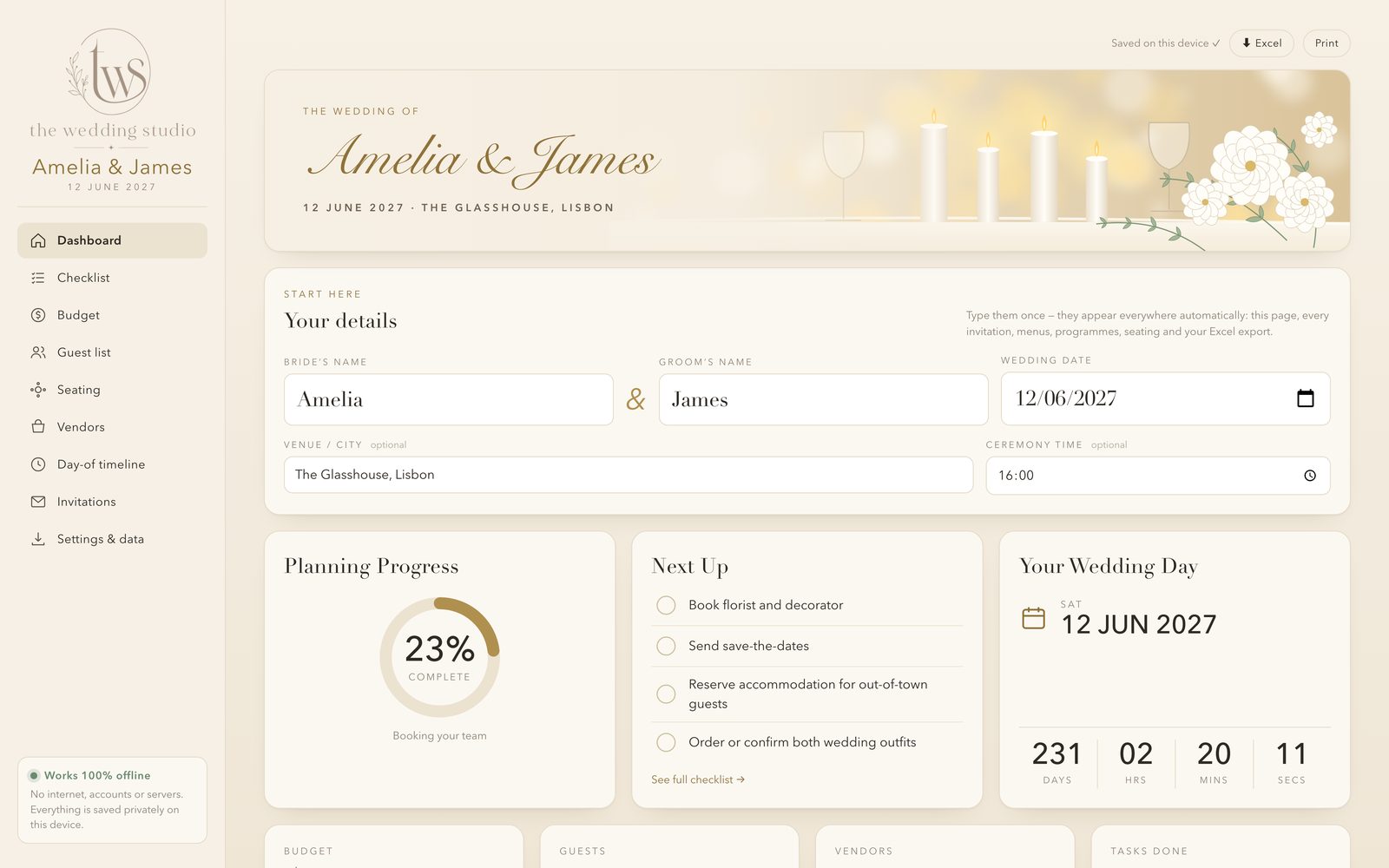
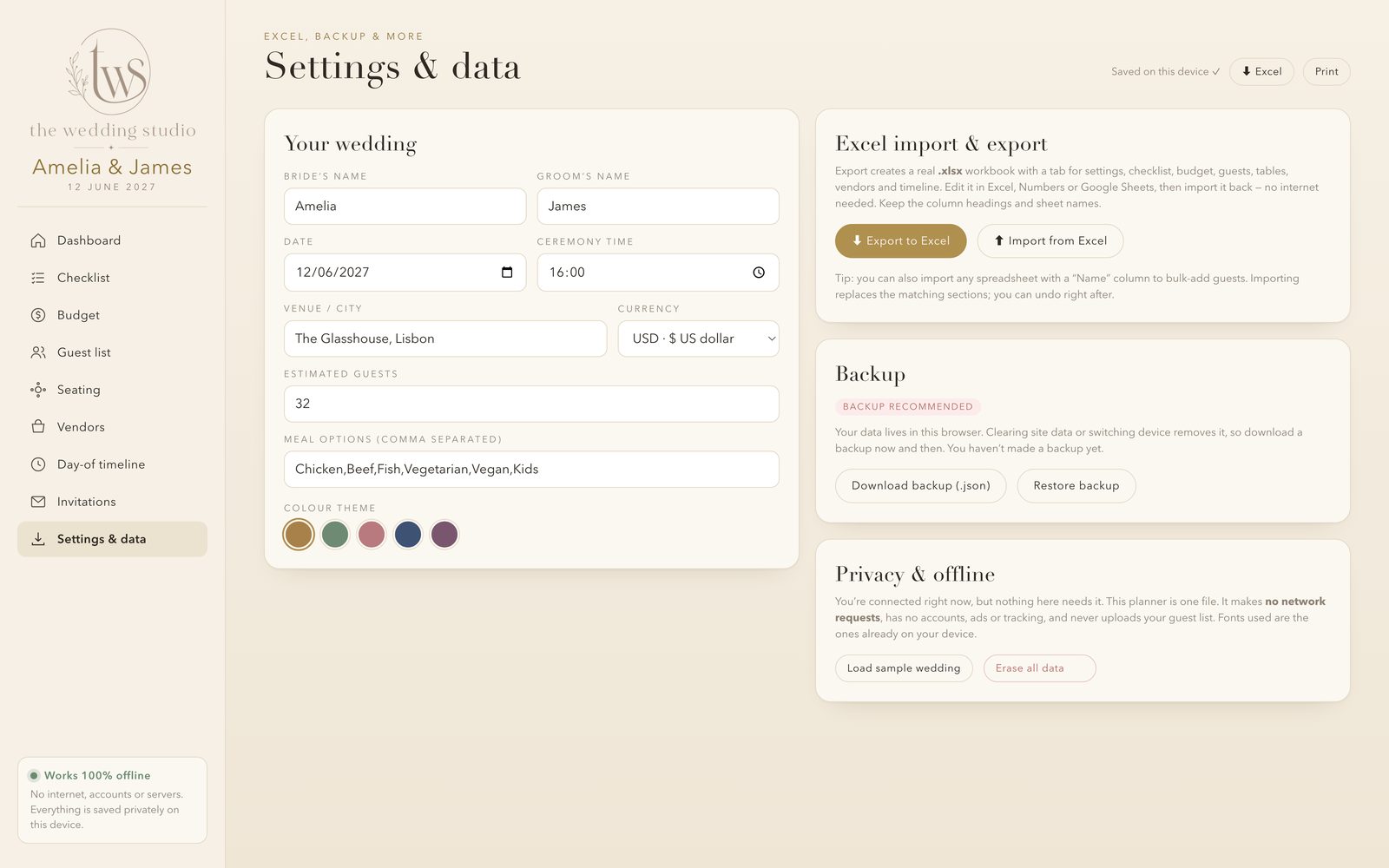
Your names and date flow into every invitation, menu, programme, guest side and Excel export automatically. Go on, try it.
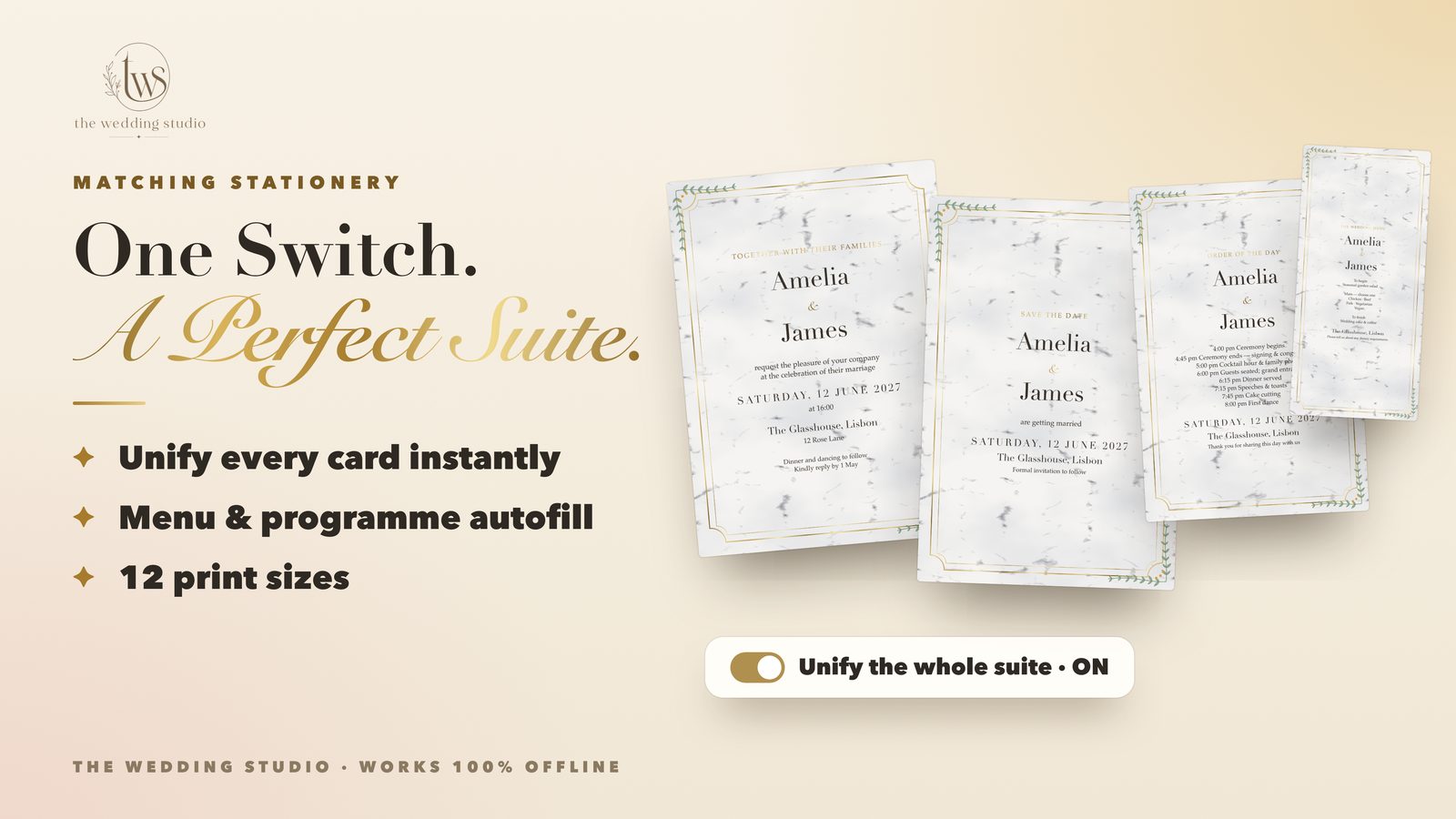
This is a simple preview. Inside the planner, you get 13 designs, foil, marble backgrounds and 12 card sizes.
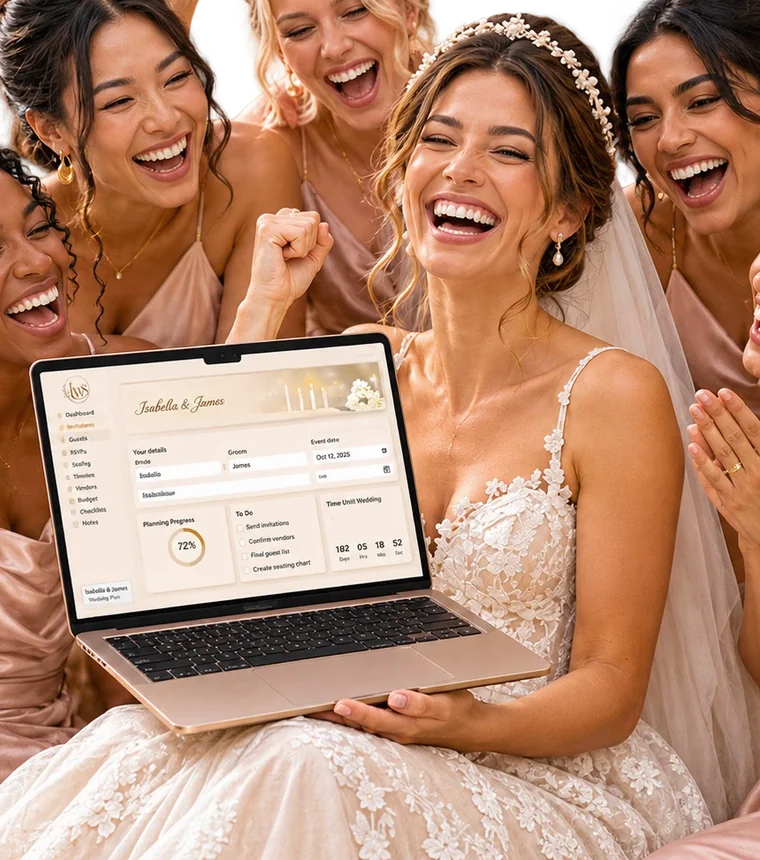
A live countdown, a progress ring and a "next up" list that changes as your date gets closer, so you always know what to do next.

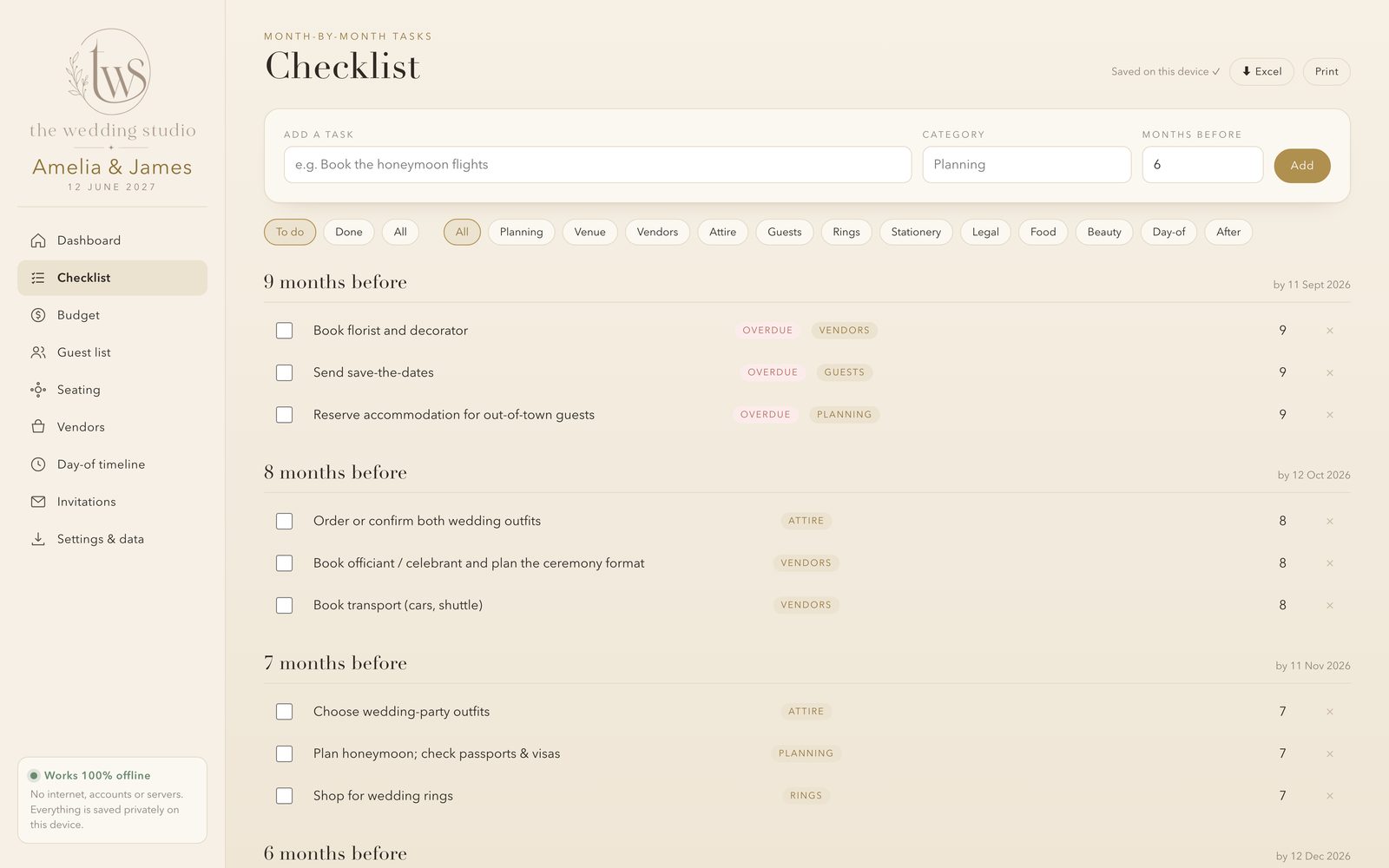
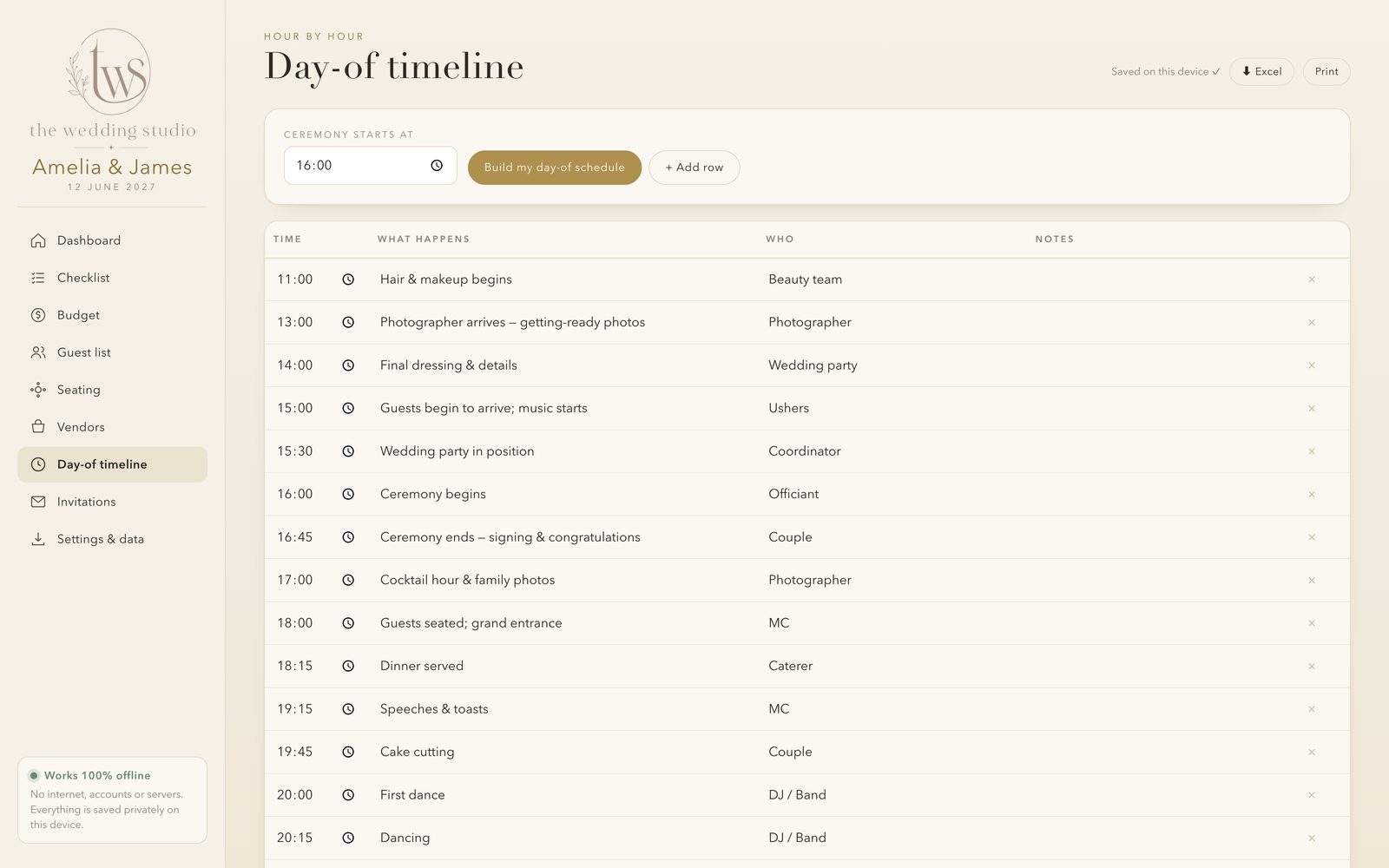
From "book the venue" at 12 months out to "confirm the final headcount" at six weeks, with due dates and overdue flags.

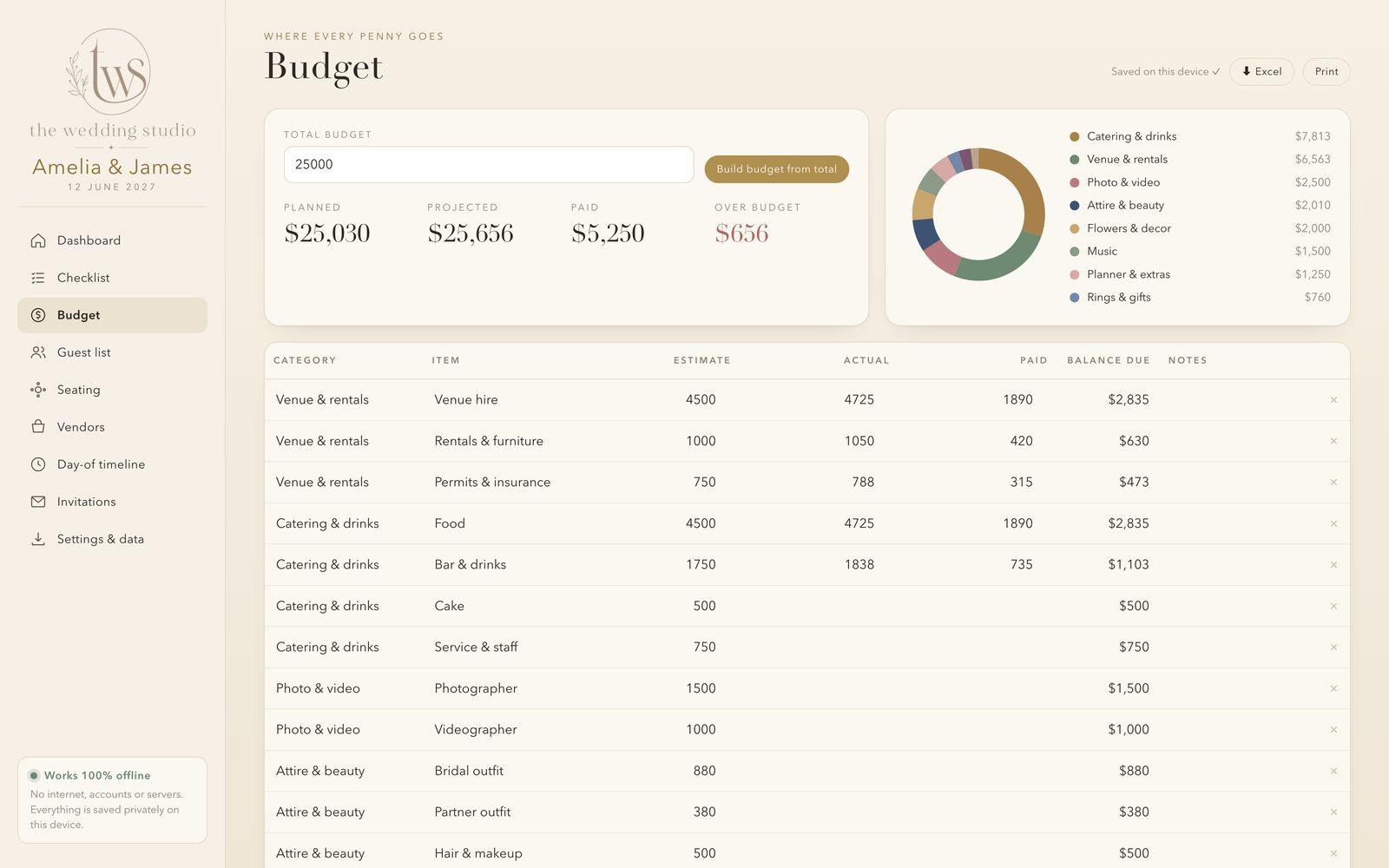
Enter your total and get a recommended split across 10 categories. Track estimate, actual, paid and balance for every line.

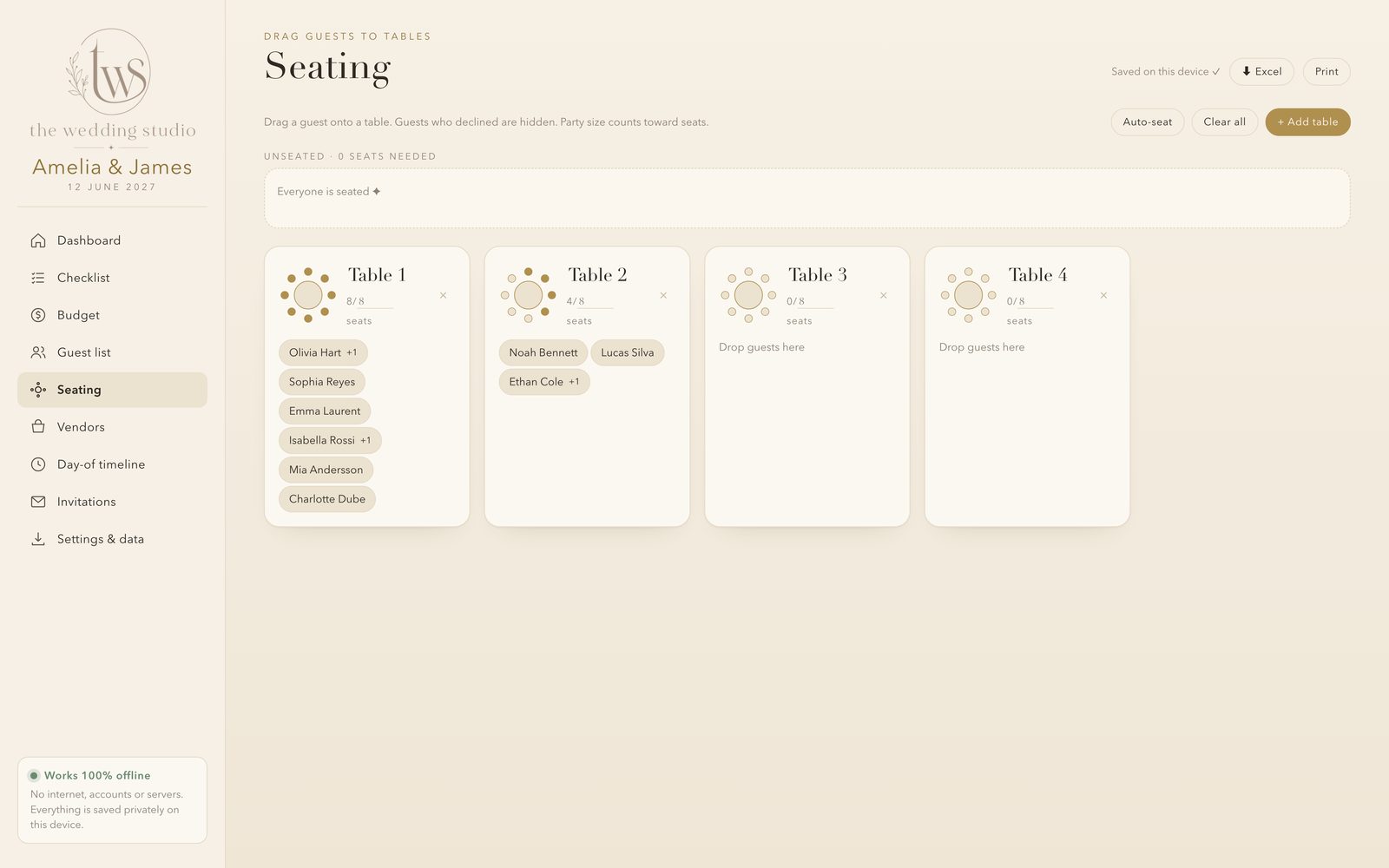
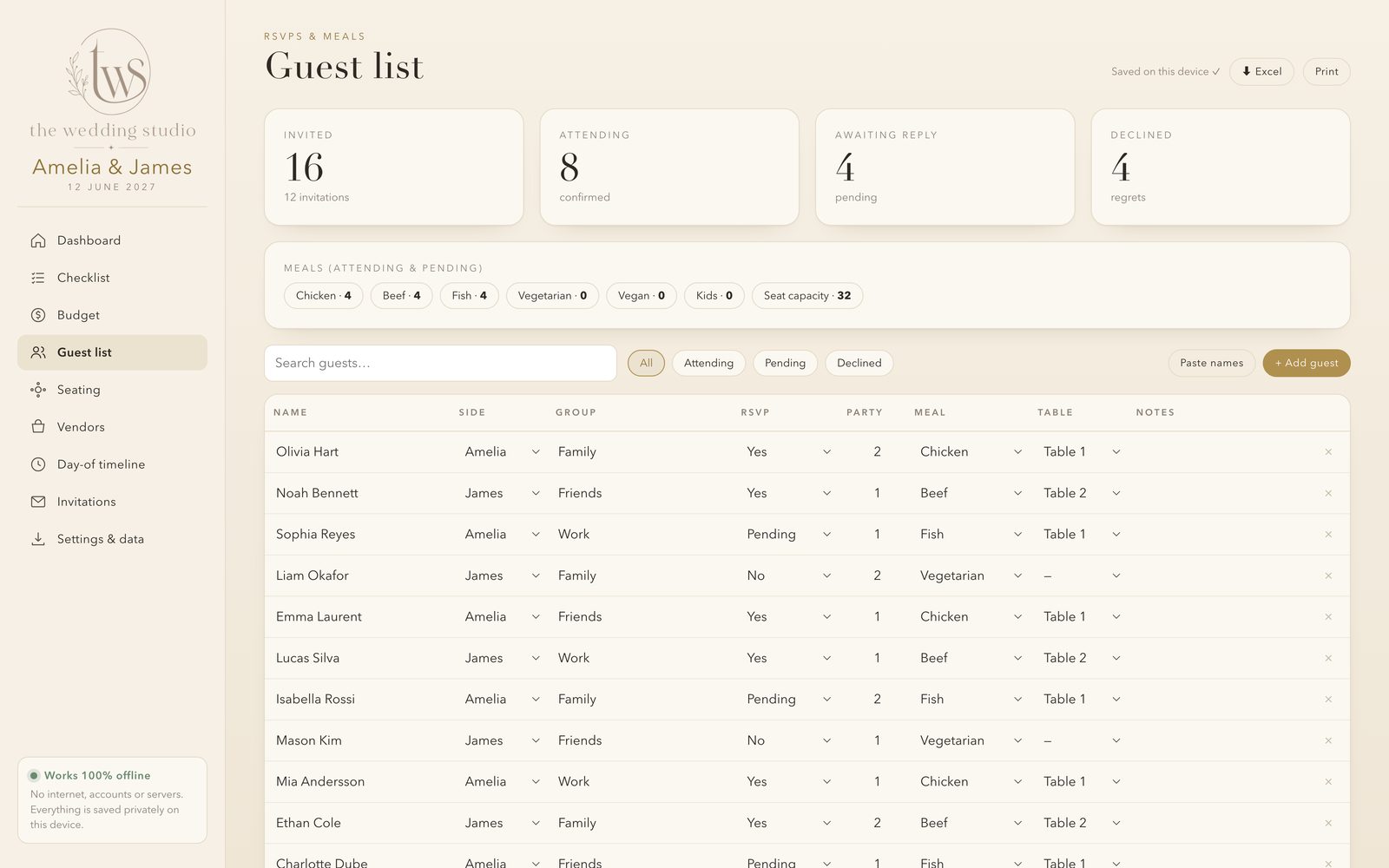
Track RSVPs, plus-ones, party size, meals and notes. Paste a whole list of names in seconds, then auto-seat and drag guests between tables.


When everything lives in one place, your planning chats with your people are about the fun stuff: the dress, the dance floor, the cake. Not "where did we put the guest list?"
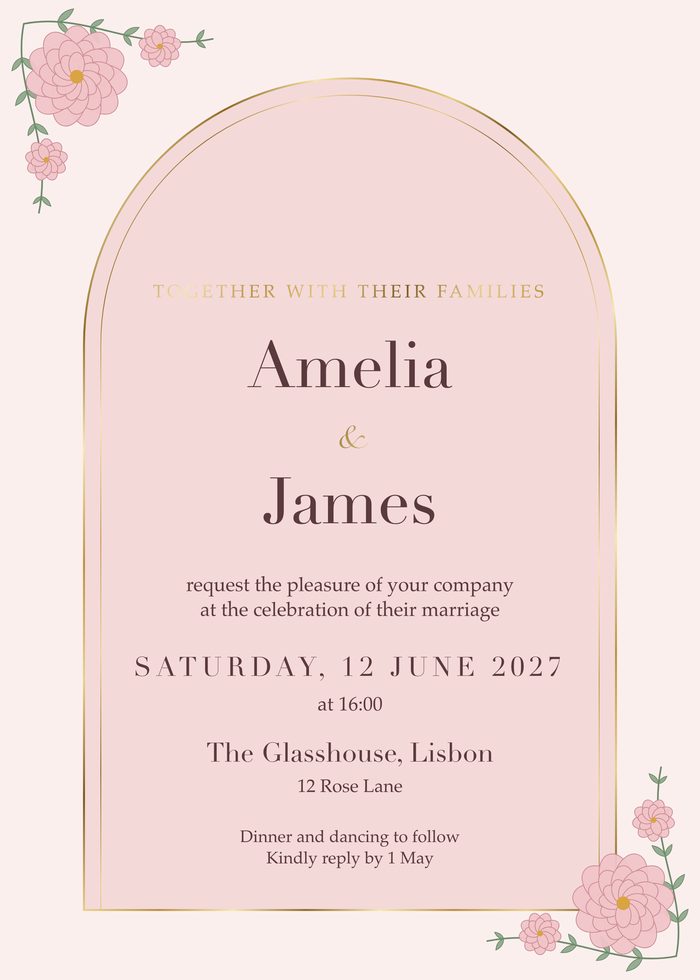
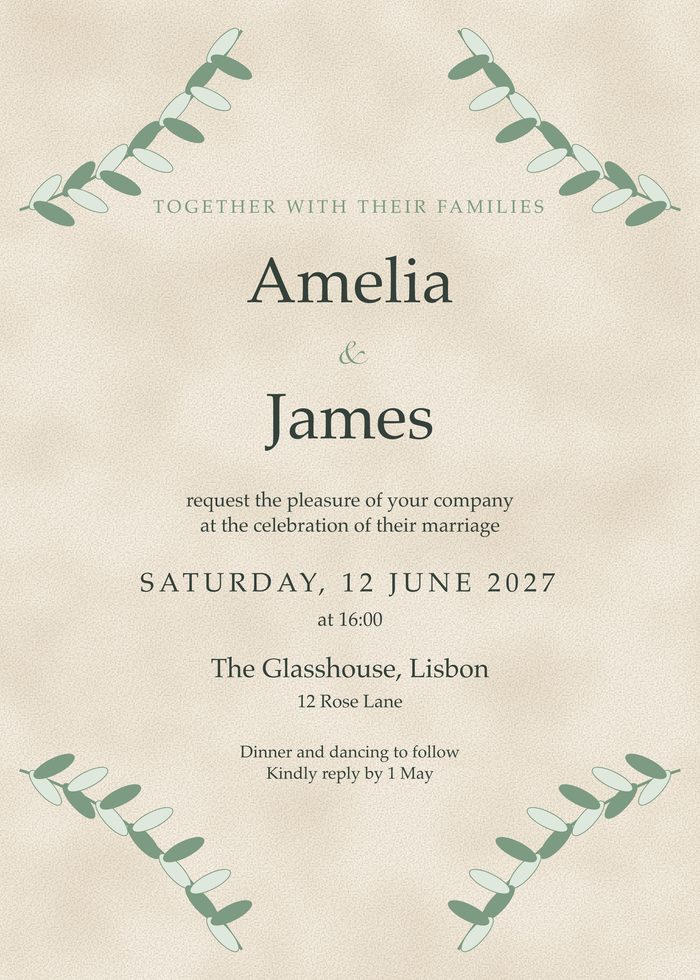
Marble, gold foil, florals and your own photo. Design the invitation, save-the-date, RSVP, menu, programme and thank-you card, then download a print-ready PDF.
Flip a single switch and every card shares the same design, colours and foil. Menus and programmes fill themselves in from your meal options and day-of timeline, and stay fully editable.
Export everything to a real .xlsx workbook, edit it in Excel, Numbers or Google Sheets, and import it back. Or download a full backup file and restore it whenever you like.

Buy once and get an instant download link to the zip file.
Open wedding-planner.html in Chrome, Edge, Safari or Firefox. No install.
Add your names and date and your personal plan is ready to go.
"Quote goes here."
First name, wedding date"Quote goes here."
First name, wedding dateSecure checkout. Digital product, nothing is shipped. For your own wedding and personal use.
No. After you download it, the planner works fully offline. You only need a connection to buy and download it.
No. It's one payment and the file is yours to keep. There are no renewals or hidden tiers.
In your own browser on your own device. Nothing is uploaded. Use Settings & data → Download backup (or Export to Excel) every so often, especially before clearing browser data or switching computers.
It opens on a phone browser and works well on tablets, but the planner and invitation designer are most comfortable on a laptop or desktop.
Yes. Download a PDF at the exact card size, a 300 dpi PNG, or print straight from the planner.
Yes. Send them the file together with a backup, or share the Excel export. You can both keep working from the same data.
Yes, in current versions of Chrome, Edge, Safari and Firefox. Invitation fonts come from your device, so they can look slightly different on Mac and Windows. Exporting a PDF or PNG captures the exact look.
Restore from your backup file or re-import your Excel export. That's why we recommend a quick backup now and then.
The licence is for your own wedding and personal use. Please don't resell or redistribute the file.
Everything in one beautiful, private file that works anywhere, with no subscription.
Get The Wedding Studio · $19